How do security groups limit access?
Each level has the access of all the groups below them, but does not have access to any security groups on the same level or above them. See Security for additional information.

Each level has the access of all the groups below them, but does not have access to any security groups on the same level or above them. See Security for additional information.
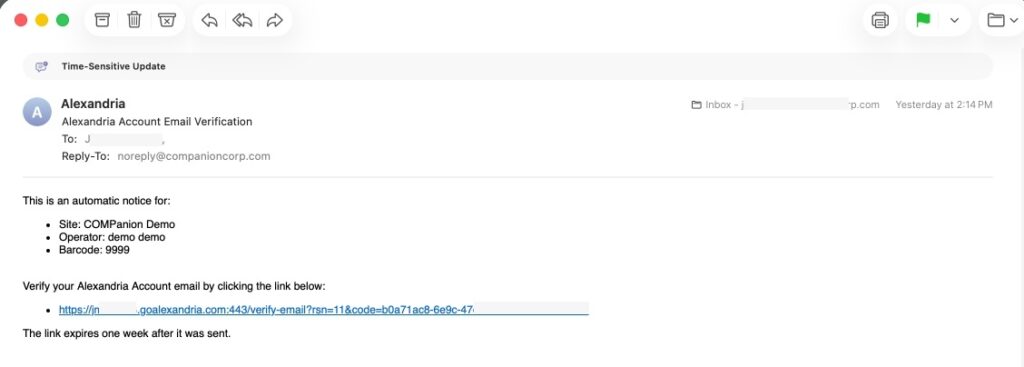
All operators with a security group of Administrator or higher will automatically receive a verification email the first time they sign in after this update. Verify your email to stop receiving this notification.
To add an Operator, you need to create their record in the Patrons Management just like you would for any other patron. Then, you should grant the new operator the appropriate access permissions by navigating to the Access tab and adjusting the security settings. If you’re unsure about which access permissions to assign, please refer to Security.
Remember If you select the Librarian Security group or a higher level, the account will need to have an email address associated with it. In addition to reviewing the security groups page, please also see our Password Management Best Practices.