
How are your patrons using Researcher?
July 13, 2026
The public library can be full of activities during the summer–whether it is workshops or events, or special summer reading programs. But how can you tell how successful your programs and promotions are?
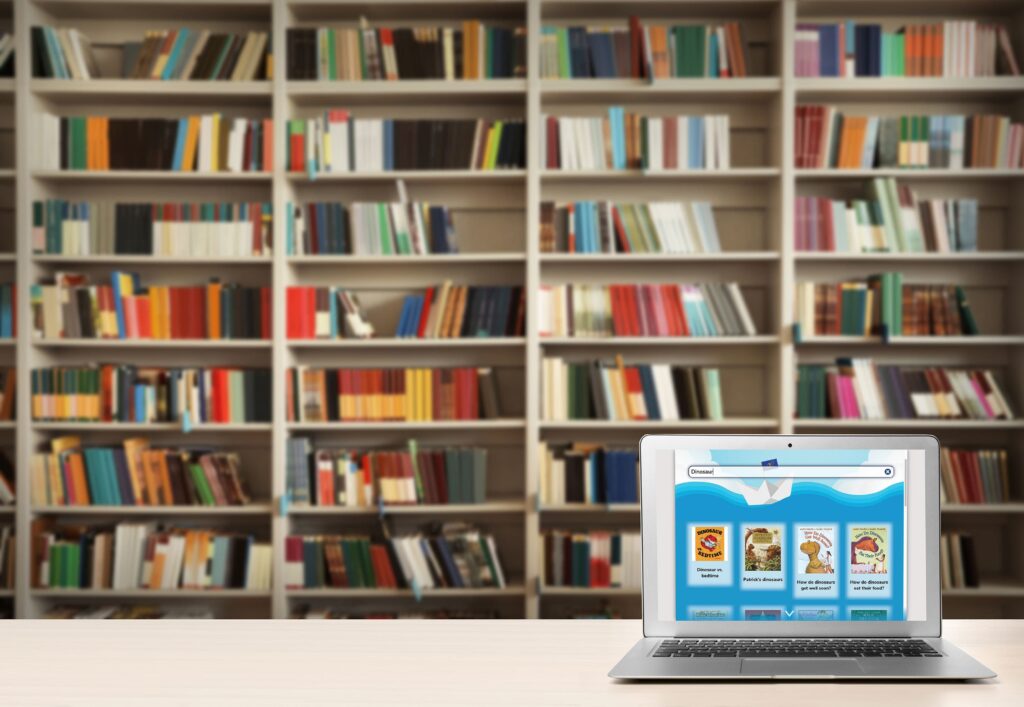
The Researcher Monthly Usage report compiles data on how often patrons are using Researcher, and which modules they are accessing. You can use the Researcher Monthly Usage report to get the data for your library!
Running the report
- Go to Operations > Reports > Add Report > Statistics/Usage > Researcher Monthly Usage
- On the Selections tab, enter a date range
- Click Run
- To save the report template, click Save and Run
- Retrieve the report from Operations or the Message Drawer
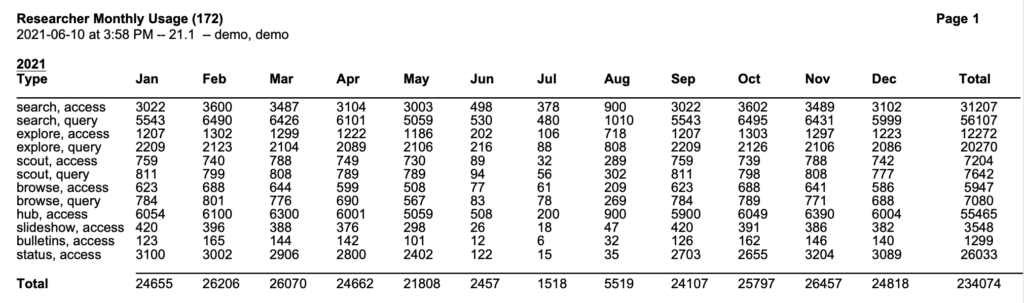
 | Report Tip: “access” is people opening the interface, and “query” is counted anytime somebody performs a search. |
What do you have going on at your library this summer? Tell us in the comments!
 | Have questions? Reach out to our stellar support team at (800) 347-4942 · support@companioncorp.com for help! |
0 Comments