
Making search strings using advanced search
October 26, 2026
Miss Honey wants to create a search string to highlight the ghost stories in the library for Halloween, but she doesn’t remember how. It’s not scary! Here’s how to use advanced search to generate search strings to be used as the basis for Explore buttons, slideshows, links and more.
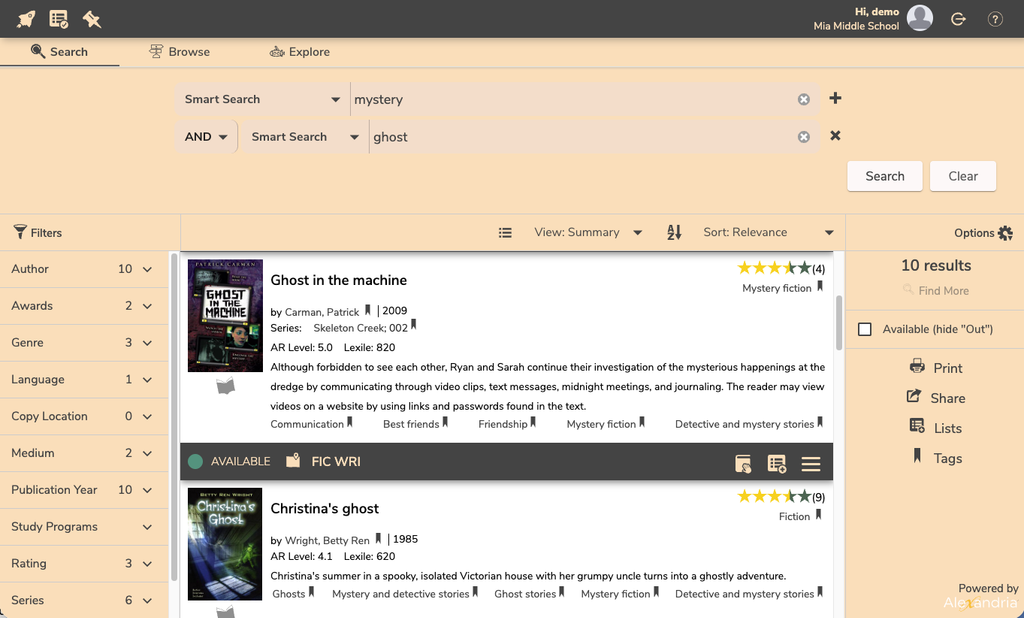
Creating search strings
- In /search click on the plus sign + to perform an advanced search.
- Choose a search selection from the drop-down menu in the top box (i.e. Author, Series, Title, Popularity etc.) and enter your criteria.
- Choose the Boolean modifier you wish to use (And, Or, And Not) from the drop-down menu on the left and enter the additional criteria you are wanting to search. Researcher supports up to four levels of Boolean searching.
- Click Search and results will display below the Advanced Search pane.
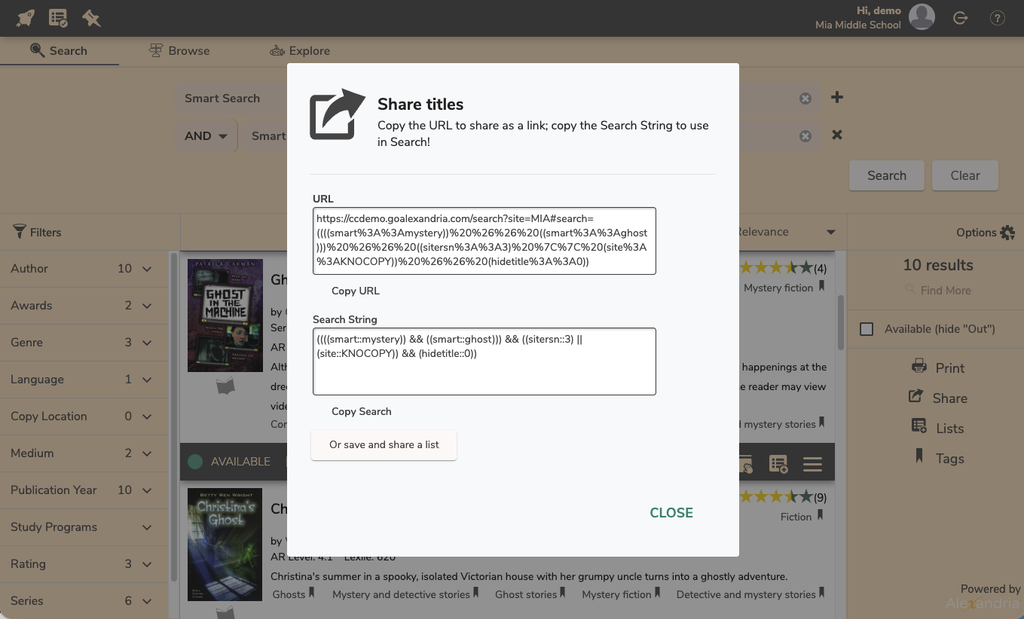
- Click the Share icon to copy the search string.

Feeling spooky? Download the new posters from our blog, just in time for Halloween!
0 Comments