
Make your map
June 15, 2026
We all love to get lost in a good book… but it’s not as fun getting lost in the library! Have you made a library map for your patrons yet?
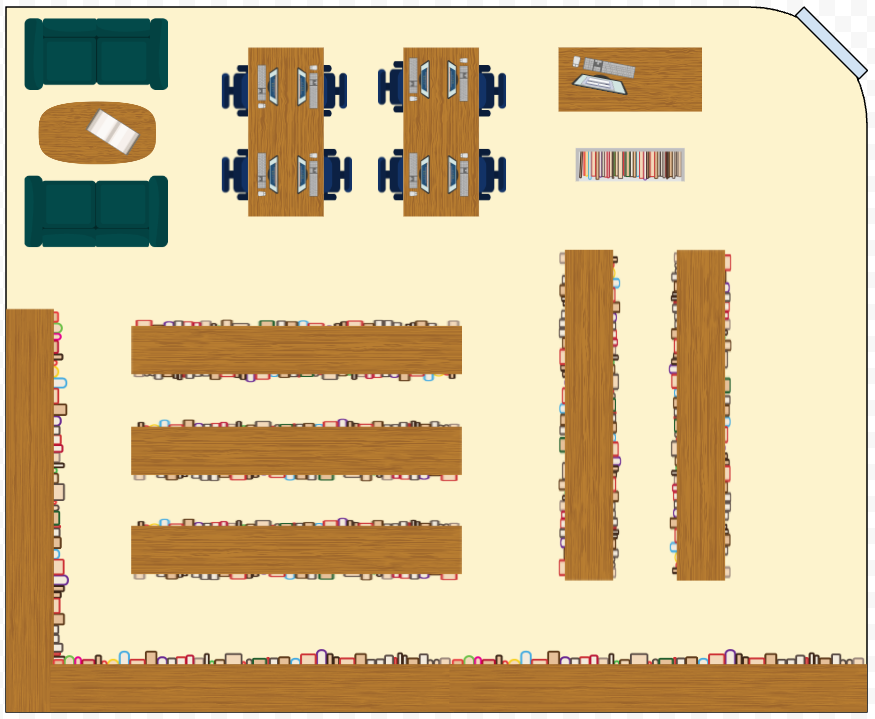
Making a custom map for your library is fun, easy, and helps your patrons locate the books they’re looking for. We have a whole article with step-by-step instructions on how to create your map-sterpiece.
Adding the maps to Alexandria
- Go to Builder > Maps
- Unlock Maps Management by clicking the lock icon on the top right
- Click on the + icon
- Set the Call Number Range
- Provide a Map Description (Now shows up even if a picture is not provided)
- Provide a Map Note (not visible to your patrons)
- Drag and drop your image where it says Drop Image here
- Click Save in the upper right-hand corner
- Preview the map from the actions menu in the top right corner
 | Have questions? Reach out to our stellar support team at (800) 347-4942 · support@companioncorp.com for help! |
0 Comments