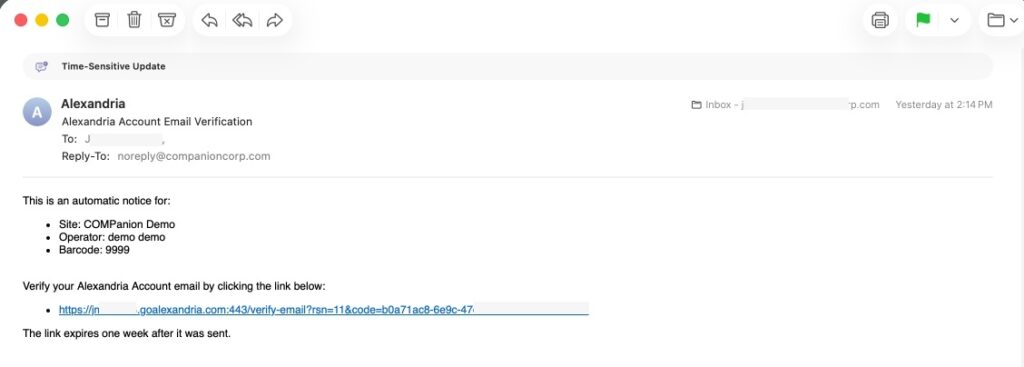
All operators with a security group of Administrator or higher will automatically receive a verification email the first time they sign in after this update. Verify your email to stop receiving this notification.

The main FAQ page is: https://support.goalexandria.com/faq/
All operators with a security group of Administrator or higher will automatically receive a verification email the first time they sign in after this update. Verify your email to stop receiving this notification.
See our Alignment Troubleshooting tips. Specifically, make sure your scaling is set to 100% or Actual Size in your PDF reader. Also, you’ll want to make sure you’re using the correct type of labels for the barcode report you’re using.
To find your license and system information, go to the help menu in the topnav and click About Alexandria. This will show you your patron/item count and how many you have left in your license.
Note that system patrons count towards license totals.
The ten additional patrons you see are default System Patrons in Alexandria. These specific patrons cannot be removed, but they can be very helpful to you and your library. To learn more about System Patrons, please visit our System Patrons support center page.
Start by exporting the necessary data from your student information system (SIS) in a tab-delimited text format. This file can be imported into Alexandria Librarian to add new patron records and update any existing patron records simultaneously.