
Customize your Researcher
October 19, 2026
The library is all decked out for Halloween, and Miss Honey wants to make Researcher match using the new custom Researcher styles. Have you tried it out yet?
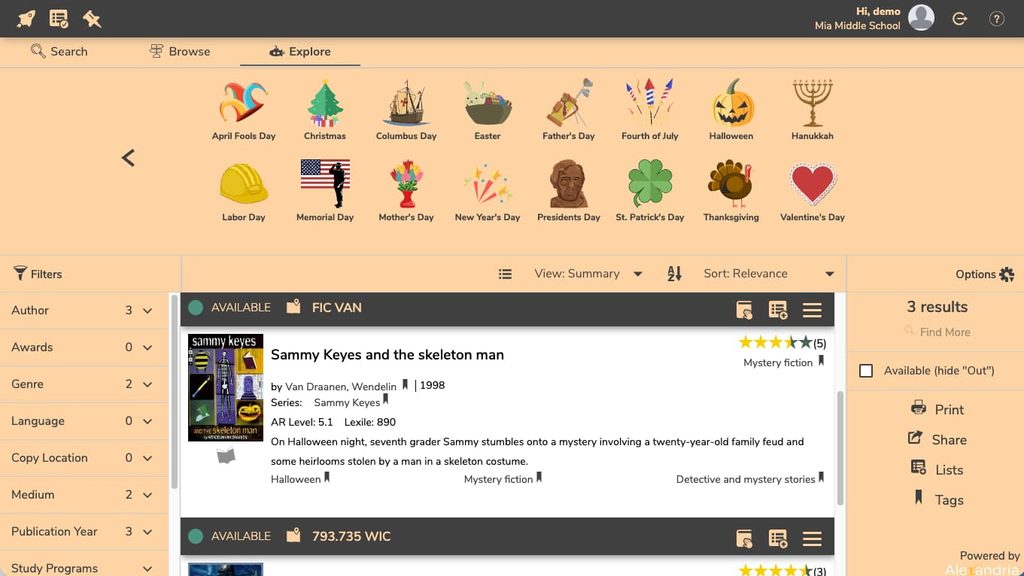
Researcher hub, Browse, Search, and Explore are all customizable. You can match them to the holidays or even your school colors!
Custom styles tips
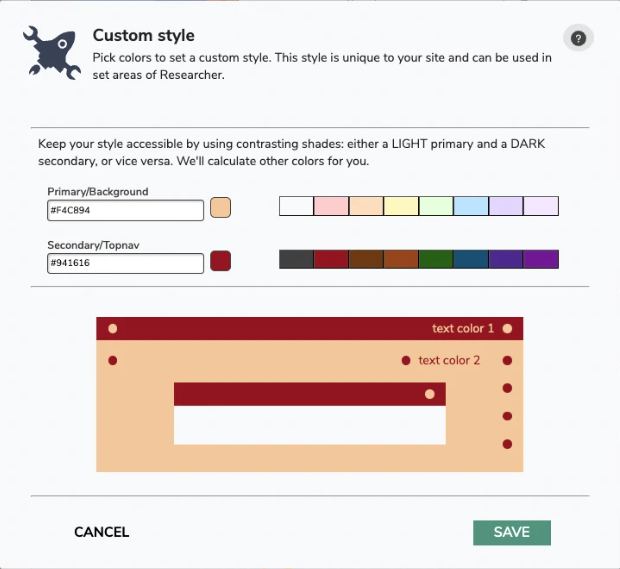
- Choose a light and a dark color to keep your Researcher style accessible. We have a built-in color checker, and the custom style will only save if it meets AA compliance.
- Use the color picker to get your exact school colors. If you want a “dark mode” look, choose a dark color for the first and a light color for the second.
The color checker in the Custom Styles dialog is looking for AA compliance, so if you want to meet AAA compliance, you’ll want to check the colors separately.
Did you know you can also customize your explore panes using Explore Builder? You can choose which Explore Panes show up for each area: Researcher Hub, Search (top), Search (bottom), and Explore Start.

Feeling spooky? Download the new posters from our blog, just in time for Halloween!
0 Comments