Check out (or check in?) our updates to Self-service
August 17, 2026
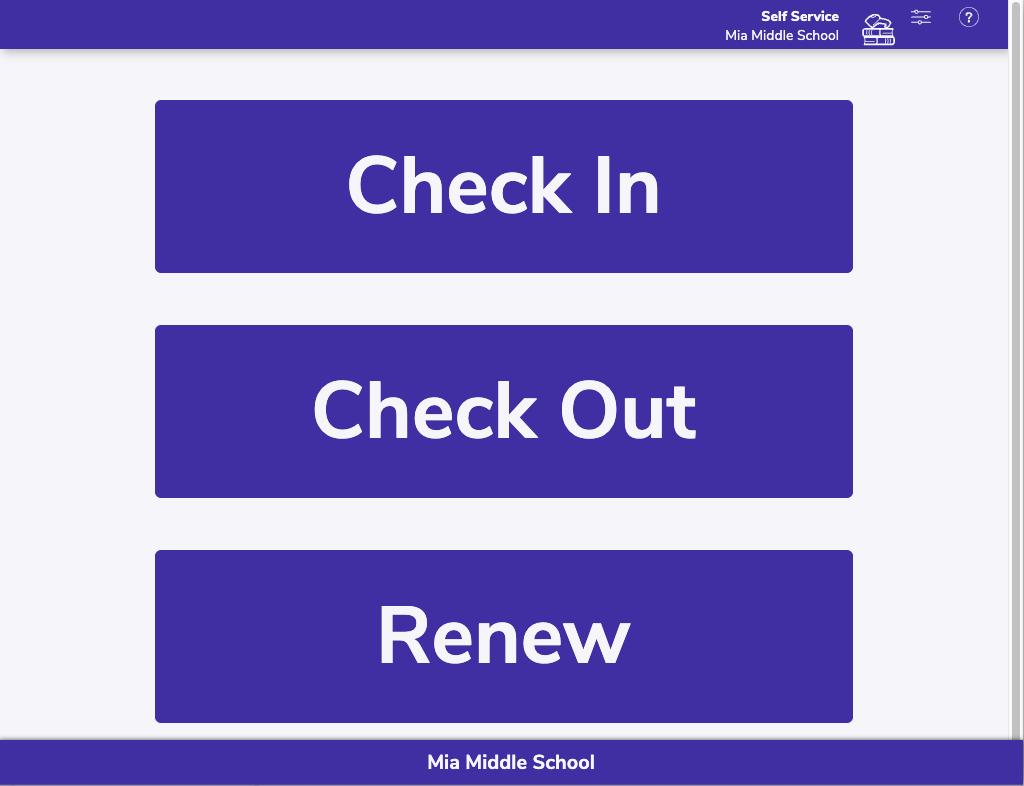
You may have noticed we made some changes to Self-service. Don’t worry–there won’t be a pop quiz, but let’s review the changes so you can be prepared for the new school year, and help your patrons utilize self-service.
Changes to self-service
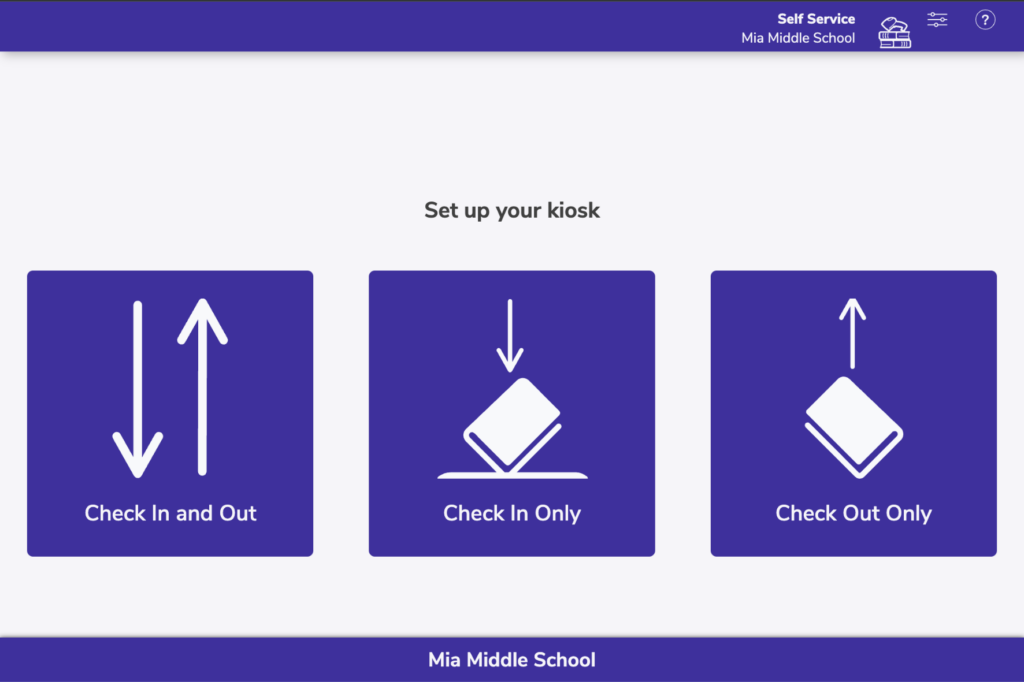
- Going to /selfservice now lets you set up your kiosk, choosing to limit the kiosk to check in only, check out only (or renew), or allow all actions (check in and out and renew).
- When something goes wrong, patrons now get more information about what happened. Maybe there’s a hold on the book and you need to set it aside. We hope these new alerts in Self-Service will help your patrons understand the problem.
- Self-Service has a new mode available: patrons can choose Renew to specifically renew the items they already have checked out. They can still also scan those items in Check Out mode to renew them.
Self-service URL shortcuts
- /SelfService to choose Check In or Check Out mode (requires operator password to switch modes)
- /SelfServiceOut for Check Out mode and Renew
- /SelfServiceIn for Check In mode
- /SelfServiceInOut to choose Check In or Check Out mode (and Renew) between each user without requiring an operator password
We want your feedback!
We will be continuing to update self-service and other features in Alexandria, and we value your feedback! Sign up to join our user research group to make your opinion known!
 | Let’s be Facebook friends! Join our Facebook user group for tips, polls, feedback, and fun. |
0 Comments