Monarch

Monarch® is a single Search Engine for ALL your Discovery Services and Digital Libraries that returns your search results in an single interface, categorized and summarized in a very intuitive experiences for you and your students!
Table of Contents
Monarch
The following is a brief overview of the program. Find out more about Monarch, or reach out to our sales team.
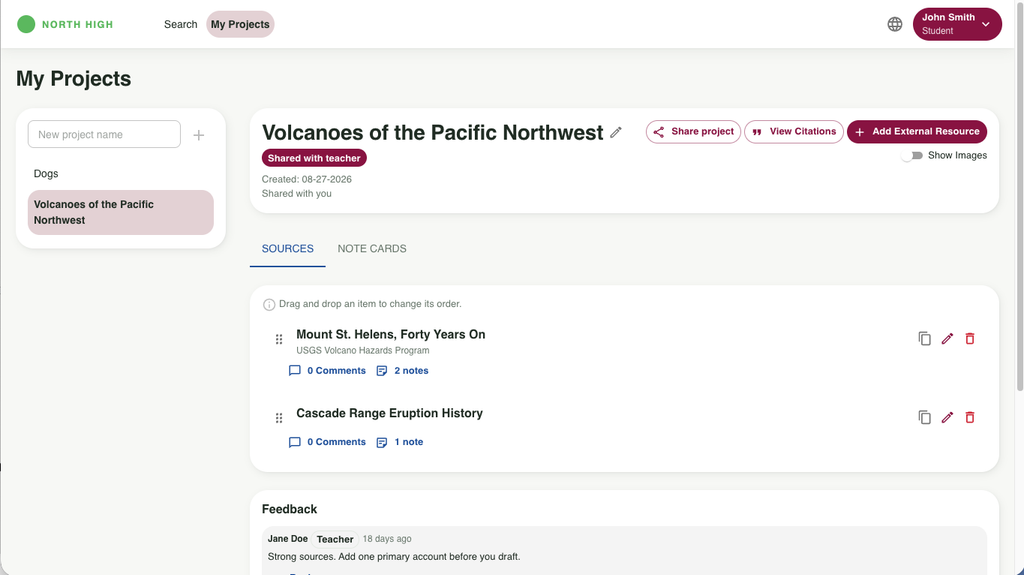
Admins, teachers, and students have different levels of access within Monarch, and use different areas of the program.
Students
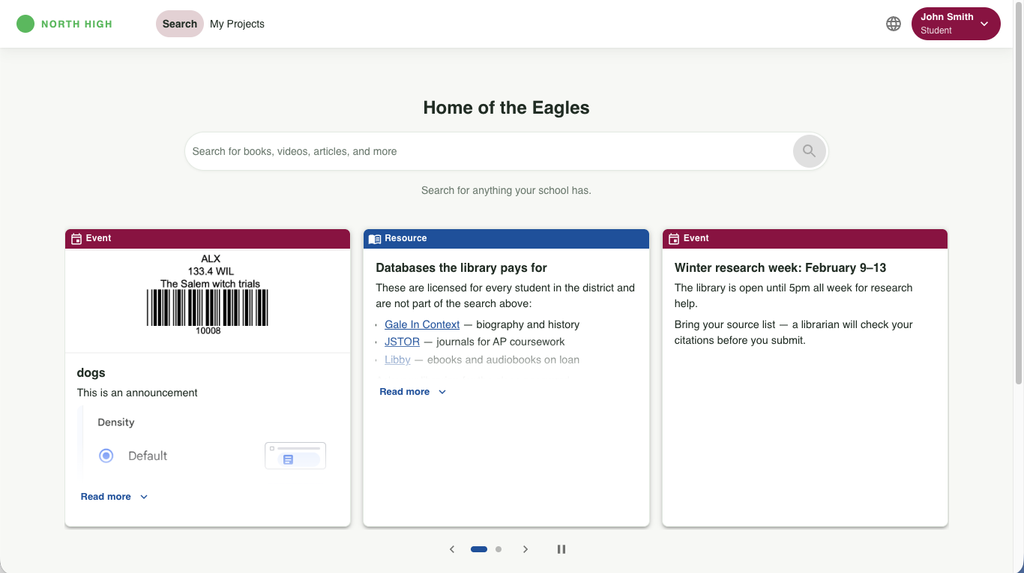
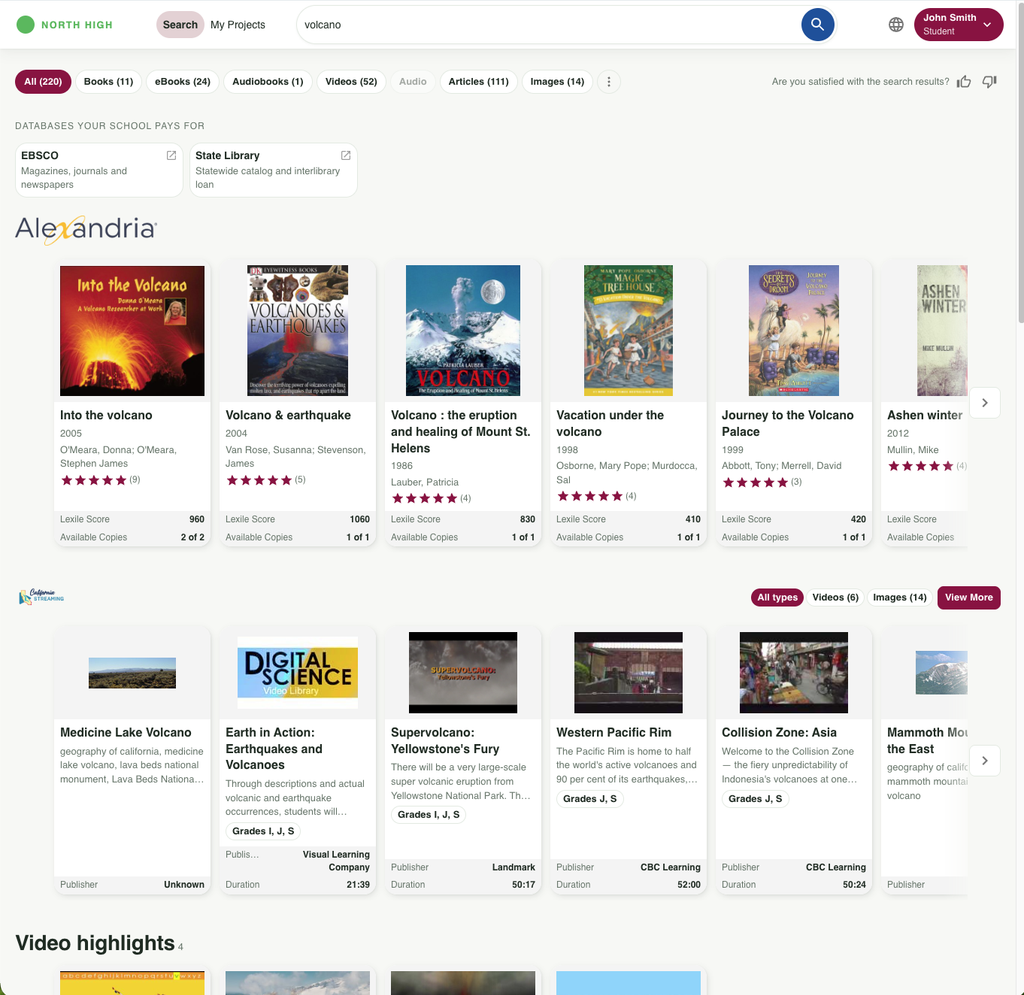
Search
My Projects
Teachers
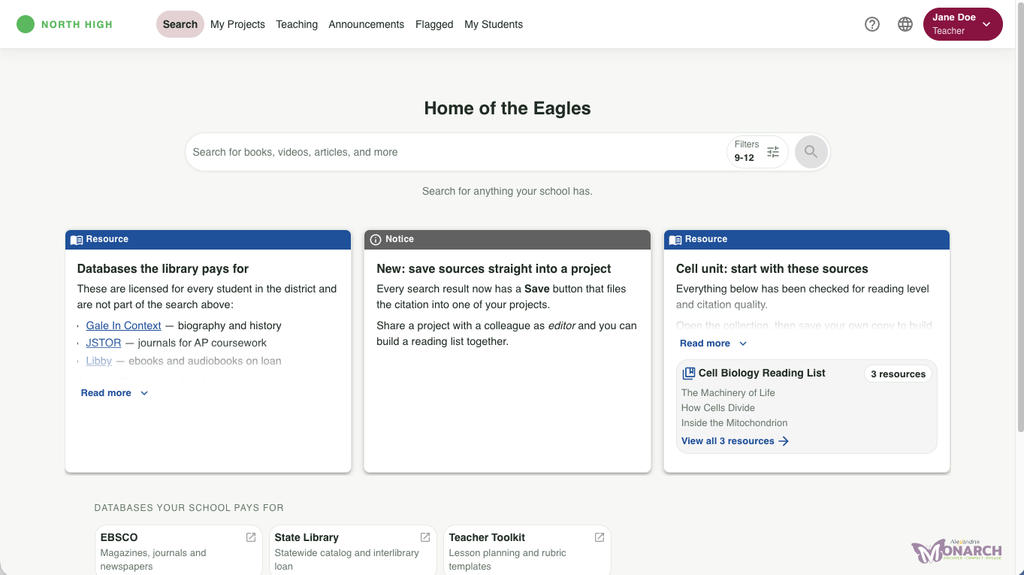
Search
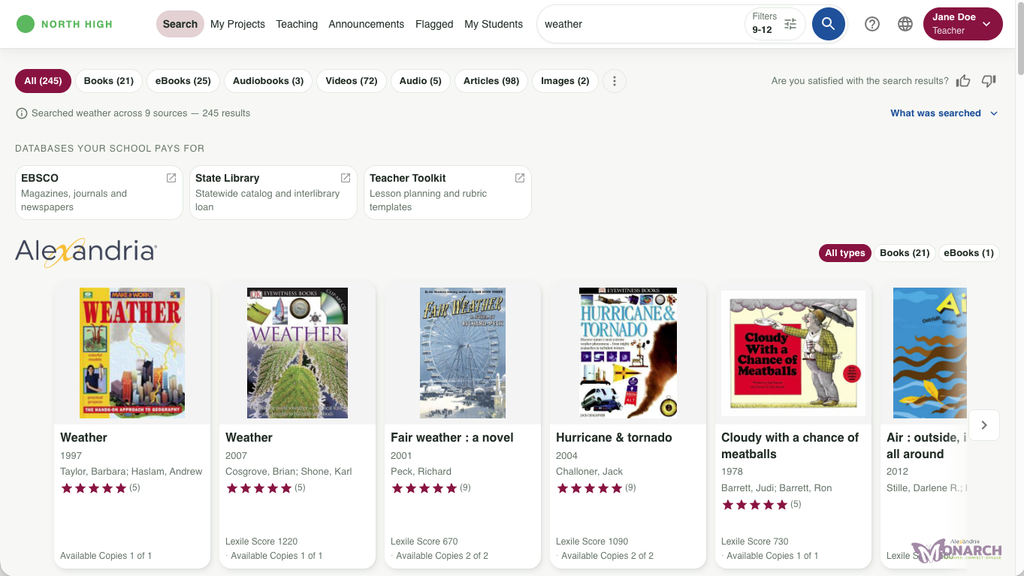
Monarch search is a discovery engine, meaning that books, ebooks, videos, articles, images, and more all come up with one search.
My Projects
Projects are work bibliographies with with sources and interactions from teachers and other students.
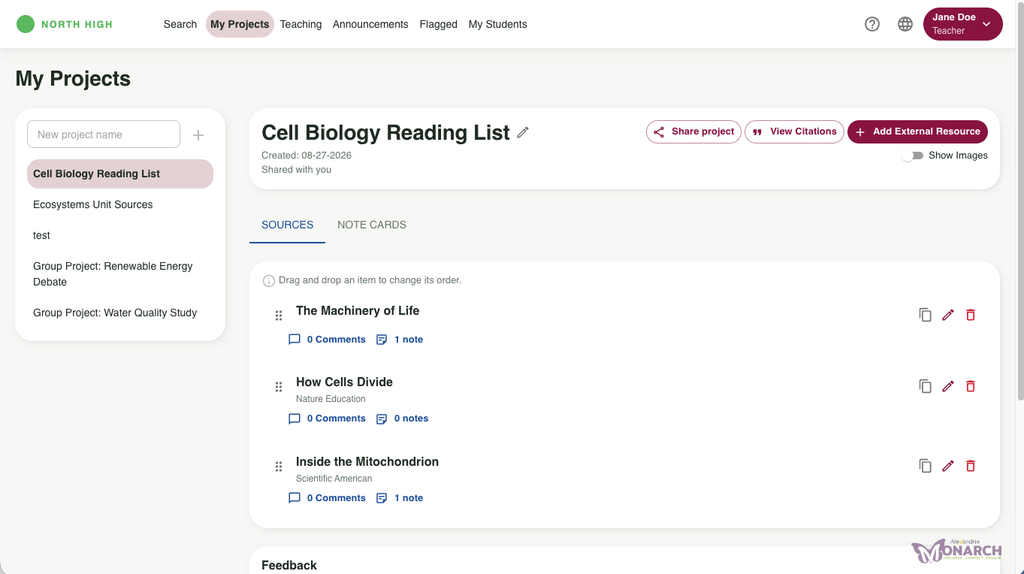
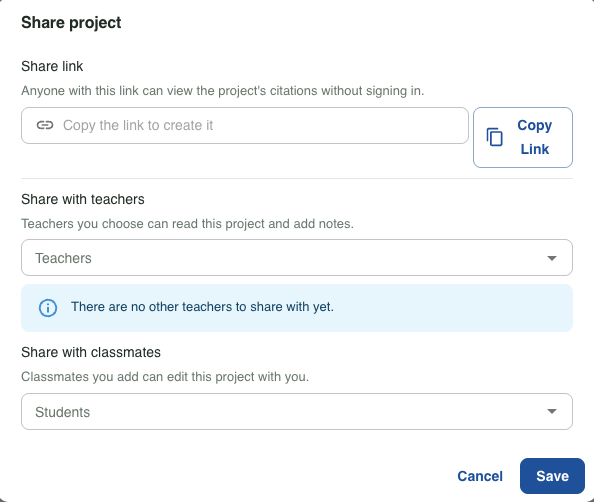
Share Project
Share projects with teachers, classmates, or by link.
View Citations
Copy and export project citations in MLA, APA, or Chicago style.

Add External Research
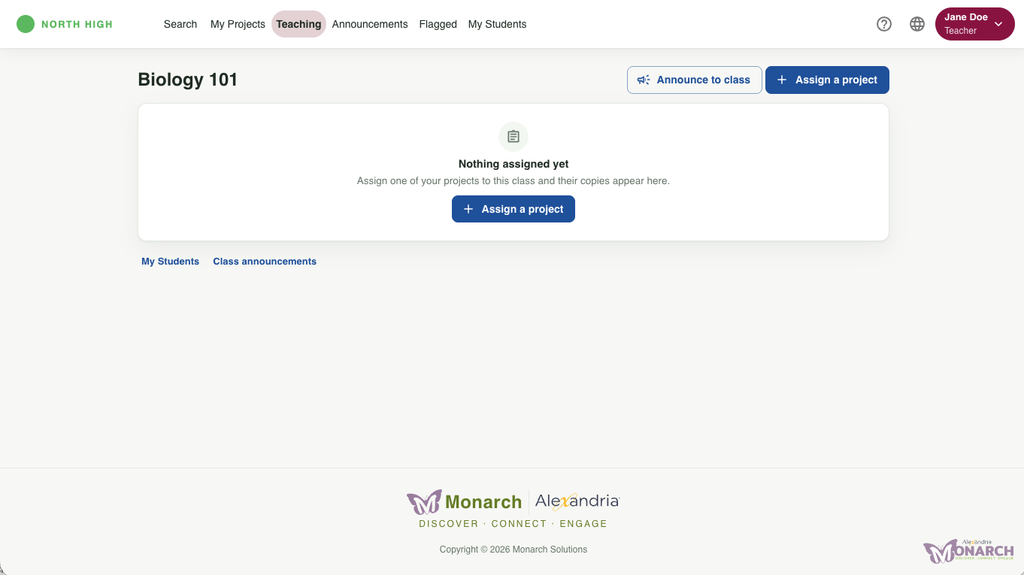
Teaching
The Teacher hub carries three actions: Assign a project, Announce to class, and Class announcements.
Announcements
Flagged
Student comments that are flagged for inappropriate content will show here for teachers to review.
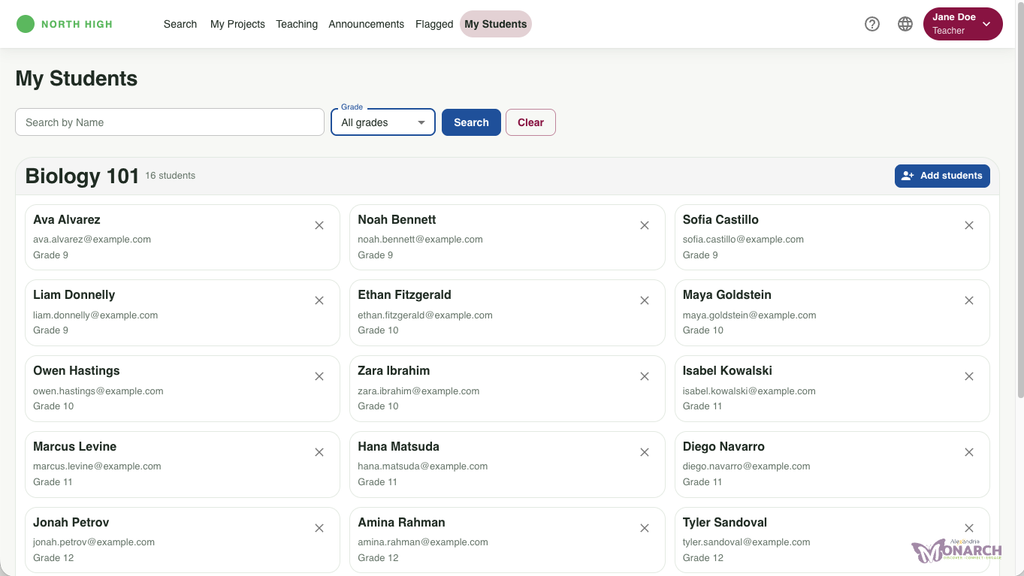
My Students
Search the students in your classes, searchable and grouped by class. You can also add students using the button in the right corner.
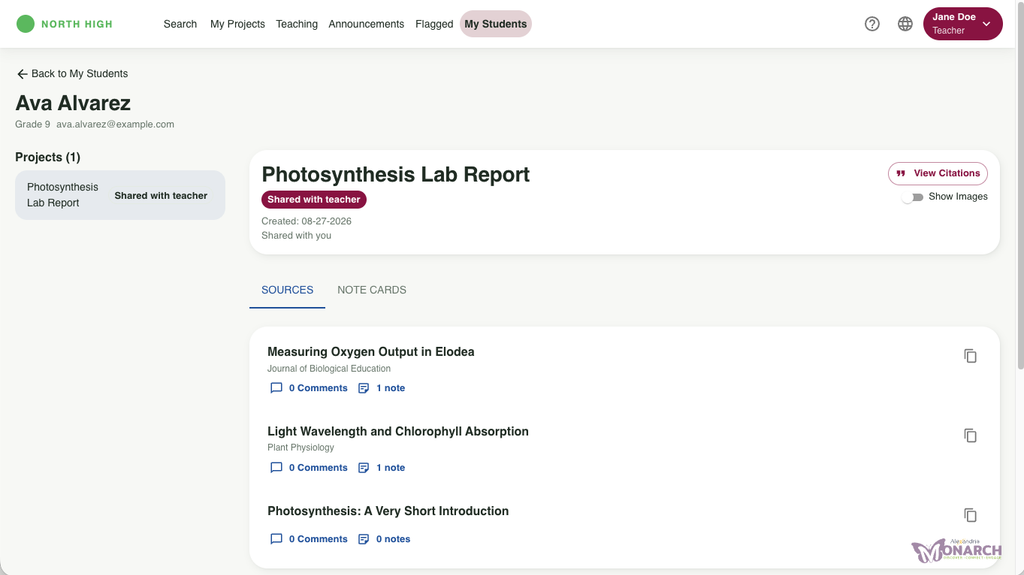
Each student profile shows shared projects, citations, and allows interaction via comments and notes.
Admins
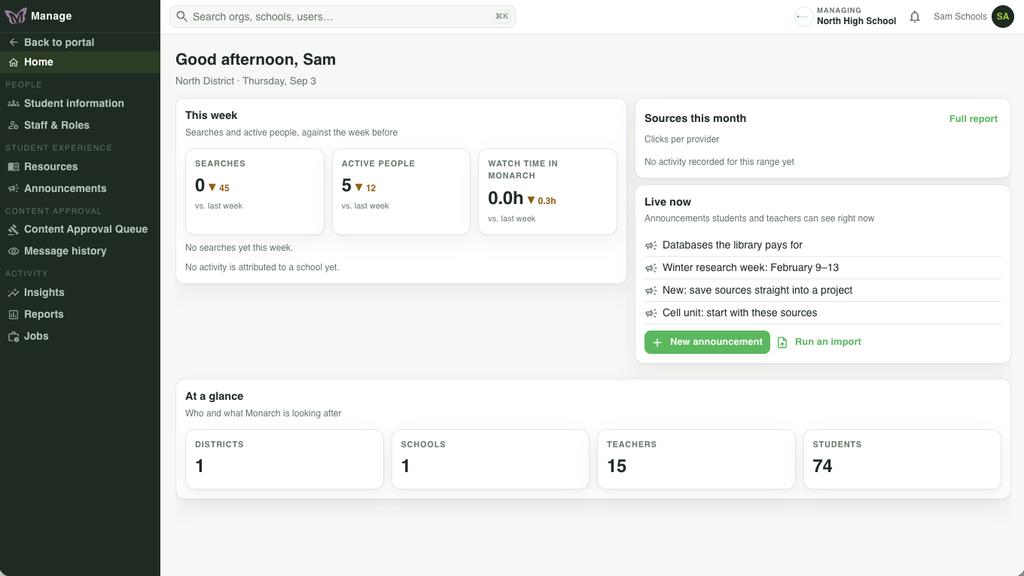
Org Admins, District Admins, and School Admins have different levels of access in Monarch, including the Manage portal, which teachers don’t have access to.
Manage
Preferences
Monarch also integrates with Alexandria Researches, and can be enabled in Preferences.
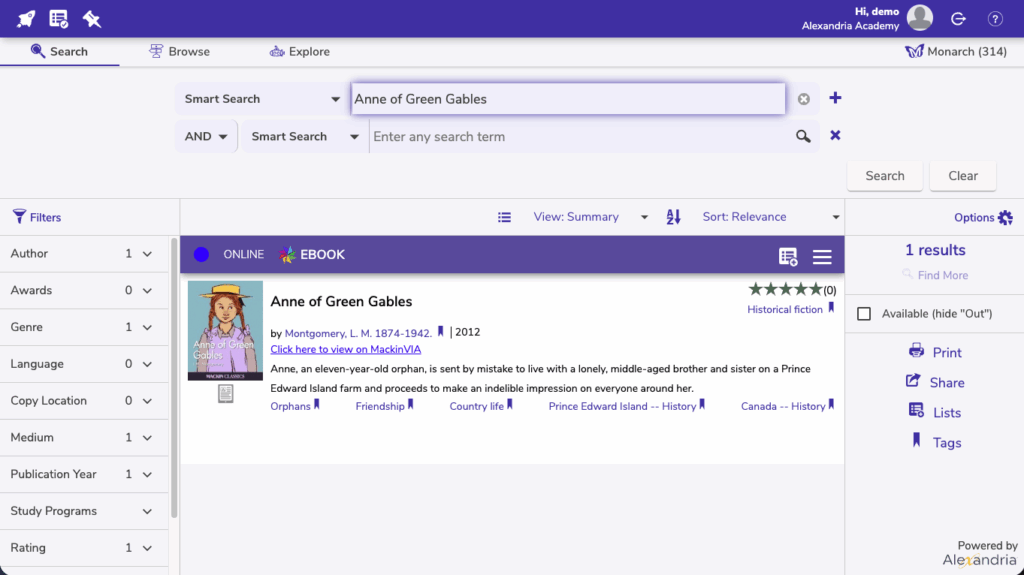
- eBooks
- Videos
- Images
- Articles
- Audio
- Activies
- and more!
Settings
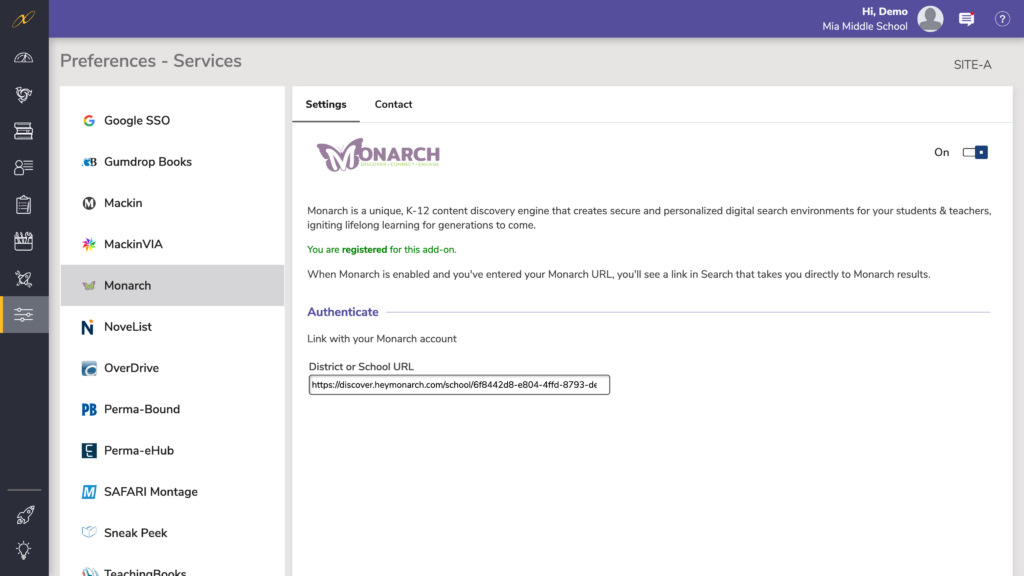
Enable Monarch in Preferences > Services > Monarch by turning the toggle to On.
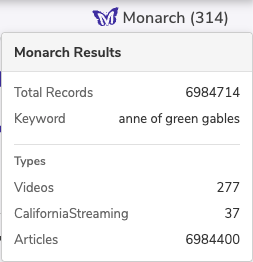
When Monarch is enabled and you’ve entered your Monarch URL listen on the preferences page, you will see the link shown above in your Search.
Contact
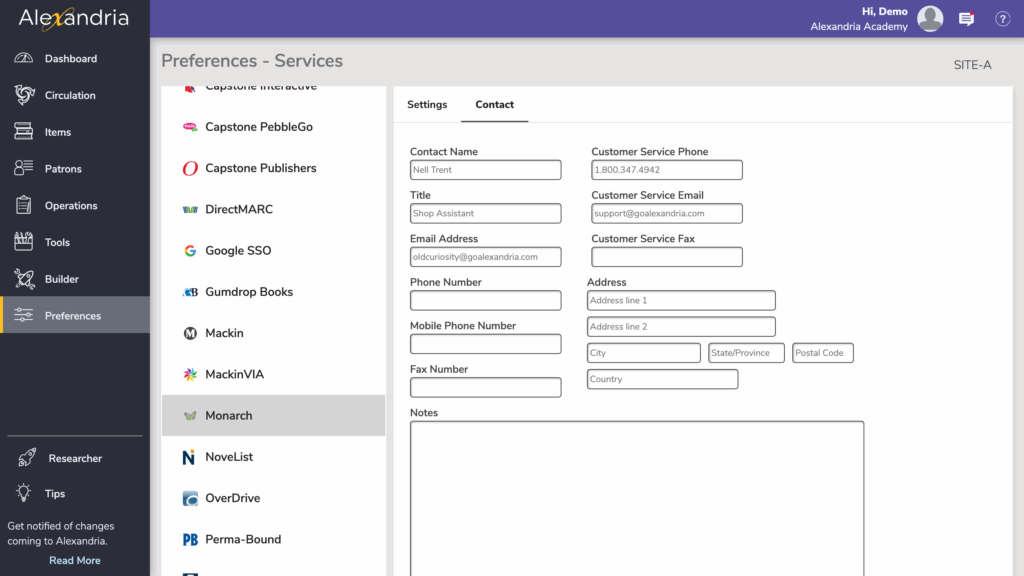
Under the Contact tab, you may fill out contact information for your Monarch representative.